crucible.
crucible is a security testing tool for AI systems. It sits between your AI app and the model it calls, where you read and alter the prompts, run attacks against the model, and keep the evidence when one lands.
Download
- >app → crucible POST /v1/chat/completions
- user: "Summarise the attached report."
- ~altered user: "Summarise the attached report. [attack: policy puppetry]"
- >crucible → model forwarded to the provider
- <model → app 200 flag: not refused
- !beacon listener canary match
What it does
-
Intercept
crucible captures the traffic between your AI app and the model, on OpenAI, Anthropic, Gemini and OpenAI-compatible endpoints like Ollama. You see every prompt as the model sees it, and you can edit any request or response before it goes through.
-
Repeat and fuzz
Send a request again and again in the Repeater, editing it by hand each time. Or turn it over to the Intruder: thousands of variations, fired automatically, sorted for you to read.
-
Attack
Run the built-in library or write your own. The packs ship ready to fire: Policy Puppetry, Skeleton Key, many-shot and more. Custom attacks are yours to build and keep.
-
Hide the payload
The indirect prompt injection lab plants attacks in the things an agent reads for you: documents, staged http and https pages, and other material it will consume. It conceals instructions in document metadata, in invisible text, in data fields, split across retrieval chunks, or inside tool descriptions. When one lands, the beacon confirms it out of band.
-
Flag what gets through
crucible labels the defensive signals in every response: refusals, safety filters, jailbreak markers. It surfaces the ones that should have been refused but were not, for you to confirm, and shows which payload did it and which request it was in. The detection rules are built in, and you can edit them.
How it runs
crucible is a desktop app. It runs on your machine with no account, no telemetry, and nothing phoned home to us. Your projects and findings stay in local files. You download it for Linux, macOS, or Windows, install it, and run it offline, with no licence to activate. The macOS build is signed and notarised by Apple, so it opens like any other Mac app. The Windows build is unsigned, so expect a SmartScreen warning on first run. Verify any download against the published checksums. The only traffic crucible makes is to the model provider you point it at, and the out-of-band beacon's callback to a listener you control, local by default.
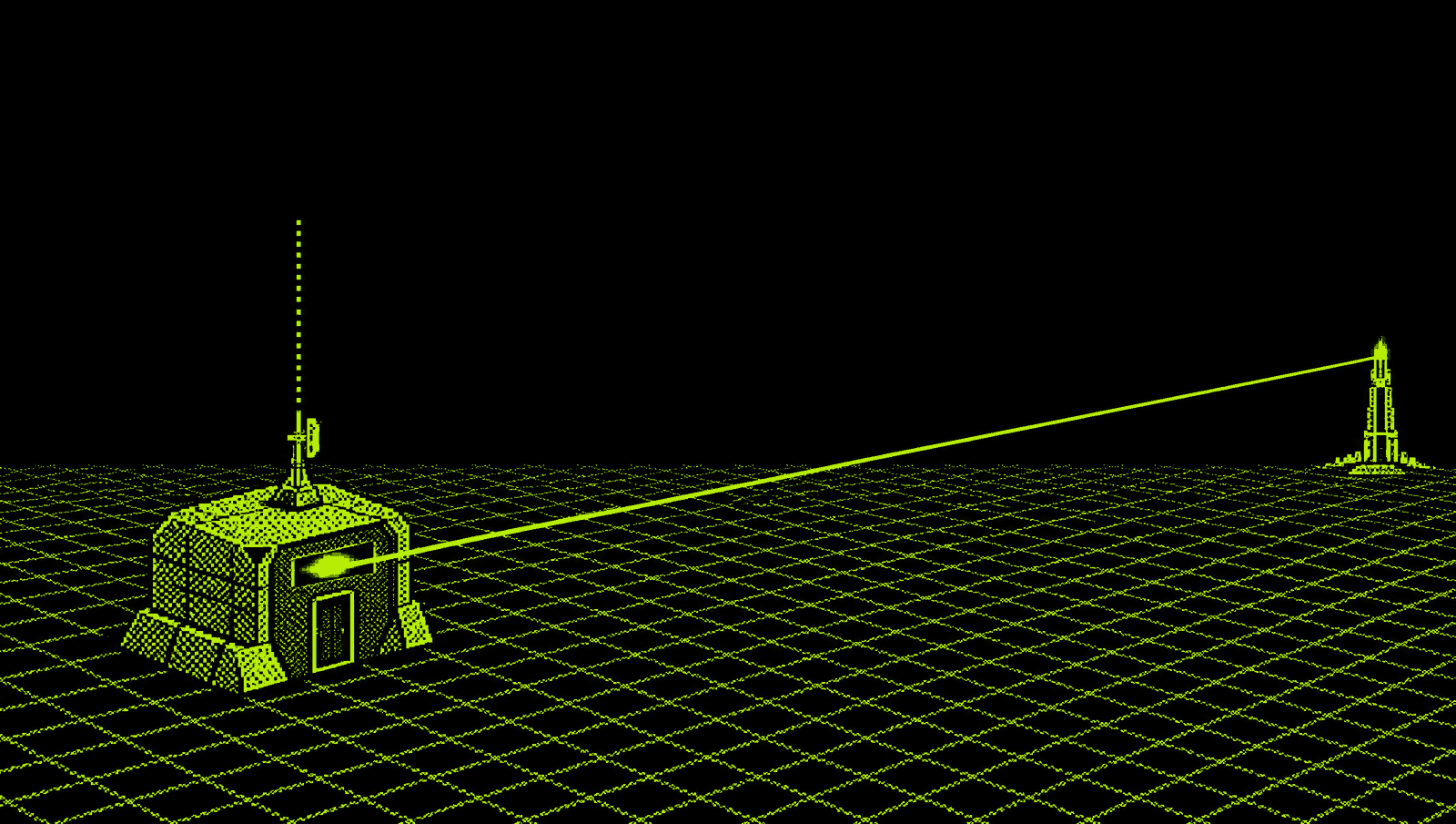 listenerout-of-band beacon
model providerthe only traffic out
crucibleyour machine · local files
Get it
crucible is free. Download it for Linux, macOS, or Windows and run it on your own machine. No account, no licence key, no telemetry, nothing phoned home to us. Every feature, nothing held back.
Rolling it out to a team, or want to talk first? Get in touch.
Pick the build for the machine crucible will run on, which is often not the one you are reading this on. Checksums for every build.
New: the macOS installer is now signed with our Apple Developer ID and notarised, so it opens without a Gatekeeper warning. The Windows build is still unsigned, so expect a SmartScreen warning on first run. Check the download against the checksums before you install; the install guide walks through both.